


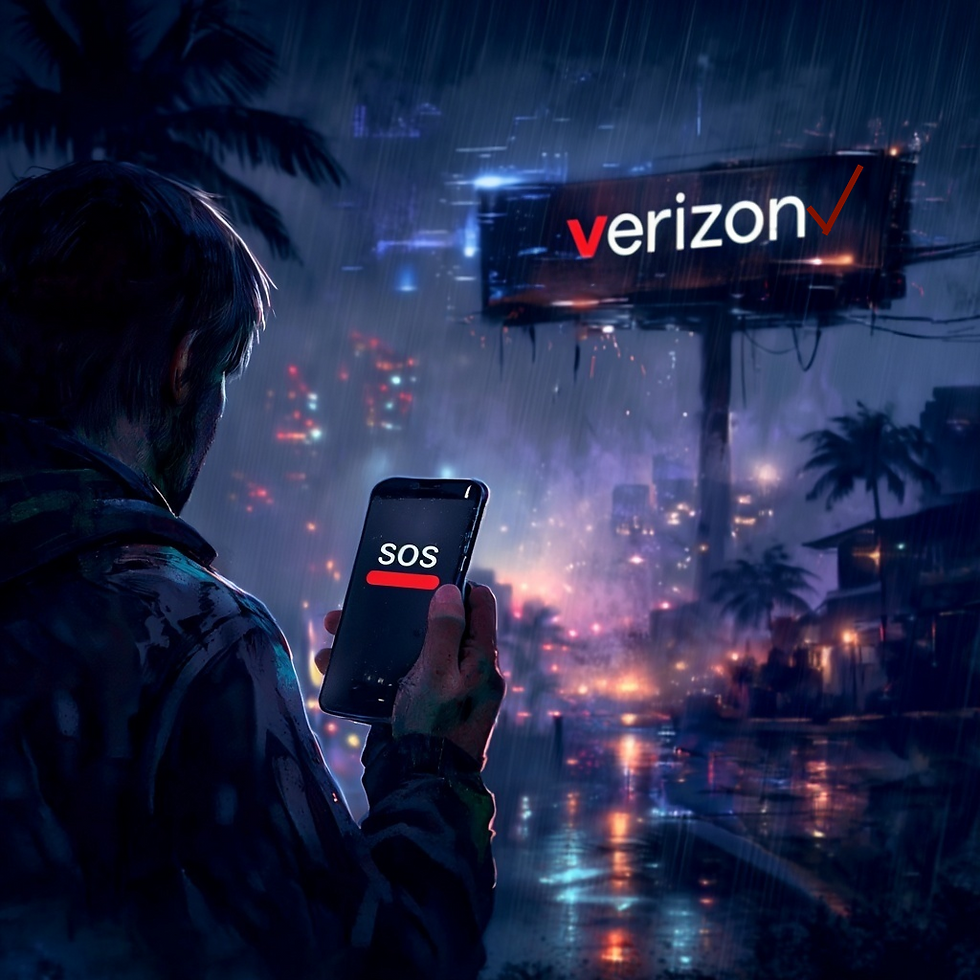
Why was Verizon down on Wednesday?
Happy Friday and Happy New Year
You've probably already heard about Wednesday's massive Verizon outage - nearly 10 hours down, no bars, no service, no Internet and as of today, no real details.
Yesterday however, Verizon broke their silence and told a reporter that the outage was caused by a software issue, not a cyber attack but provided no further details. Verizon customers are being offered a $20 credit for the inconvenience, so I guess lunch is on them.
This is all starting to sound familiar. Other major outages in recent memory include a November 18, 2025 failure with Cloudflare that took down 20% of the internet for about 6 hours. And remember that 2024 outage with CrowdStrike that led to "blue screens of death" on Windows systems across the globe, from grocery stores to airports? Those were both from software issues, not cyber attacks.
The Takeaway
This latest Verizon outage is a warning of looming future danger. Hospitals, businesses, emergency responders and everyday Americans all depend on always-on connectivity for us to operate. So what can you do? Glad you asked.
1) Treat outages as a routine risk, not a rare event. This means that you need to sit down with IT and review single points of technological failures. For example, does your office depend on one internet circuit from Hawaiian Tel? Maybe look at a backup line from Spectrum.
2) Plan on how to maintain operations during an outage. Most businesses are now pushing customers to go all-digital, everything from airlines to concert tickets. What backup is available for your customers if their mobile devices lose connectivity? Can you provide WiFi access points? What about kiosks to print tickets the old fashioned way? It's good to go all-digital, but having a backup in the back closet might come in handy.
3) Lack of text message based 2-factor authentication (2FA) could lock you out of critical services. 2FA is crucial security feature, which is why most websites now require it. However any disruption to the site's ability to send text messages or for you to receive them means you won't be able to get in. Consider using an Authenticator App such as Google or Microsoft Authenticator, or if you're feeling special, use a password manager such as Keeper that has an authenticator built right in. These operate off-line by using an algorithm to generate numbers you can enter in place of a code that's text messaged to you.
And, if you're feeling extra special, try using Passkeys if a website asks you to set one up. If you like holding something physical, UbiKey is the leader in this space and you can satisfy MFA requirements by simply plugging in one of their usb keys into your computer.
Hopefully these tips have helped jog your creative juices about how to make your business more resilient to outages. If you need help or want to talk about some of the solutions I mentioned, feel free to reach out.
Stay safe out there.
-Attila
PS. We did a segment last week on Hawaii News Now about
protecting your money from cyber criminals. Check it out on YouTube or Hawaii News Now

New Friday Funnies!
What do you call it when you hold your phone perfectly up to the edge of the ocean?
A Verizon.
I've been playing this new game on my phone quite a bit lately...
It's called "Verizon: Zero Bars"
What did the CIA replace water boarding with?
Verizon Wireless customer service.
How do you make your cell phone smarter?
Turn up the brighness
People keep bugging me to make a joke about mobile phones.
I think that's very CELL-FISH of them.


Comments